





Your agency just landed three new clients. Great news, except your creative team is already producing 500 assets a month, and now you need to double that output without doubling headcount. The math doesn't work. This is the growth ceiling most agencies hit around the 30-client mark: creative production becomes a structural bottleneck.
Teams burn hours manually versioning concepts for Meta, TikTok, Snap, and YouTube. In 2026, the answer has nothing to do with hiring more people, but rather rethinking production by treating versioning as a systematic process. Here is how agencies are breaking the ceiling without sacrificing quality.
TL;DR
- Agencies hit a production ceiling at 25–30 clients when manual versioning collapses under multi-channel complexity.
- Hiring more designers increases overhead without solving the structural bottleneck of mechanical work.
- Platforms like Hunch automate format variations and copy swaps while maintaining 100% brand control.
The 30-Client Threshold Where Manual Workflows Break
The pattern is consistent: agencies typically manage 10 concepts per client monthly. With baseline requirements for formats, copy, and backgrounds, each concept needs roughly 16 variations.
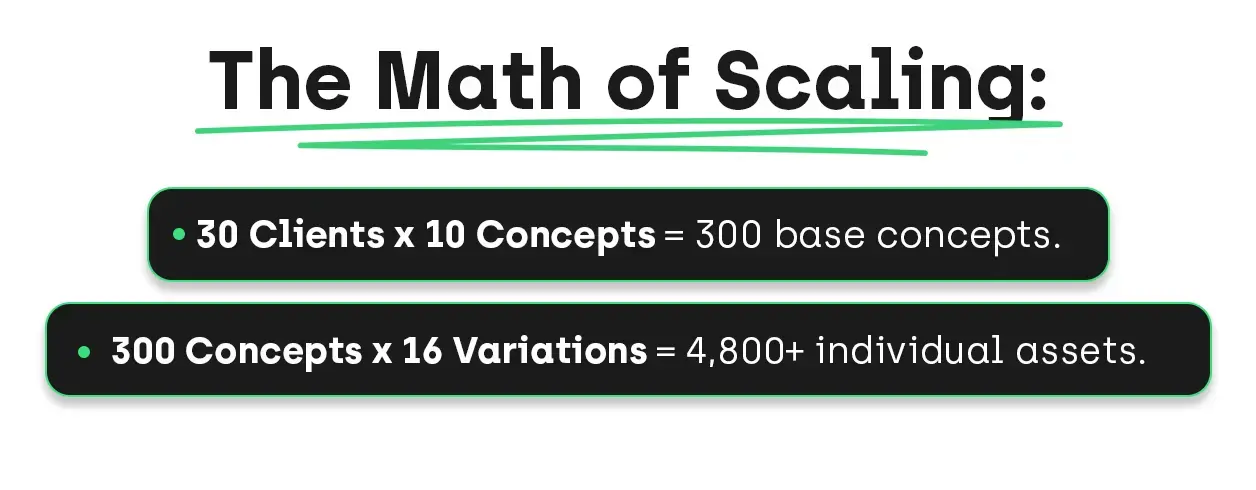
Most teams physically cap at 500 finished assets because they are trapped in "mechanical labor". Designers spend their days changing hex codes and resizing layouts for the fourteenth time instead of growing their skills.
Why Traditional Solutions Fail in 2026
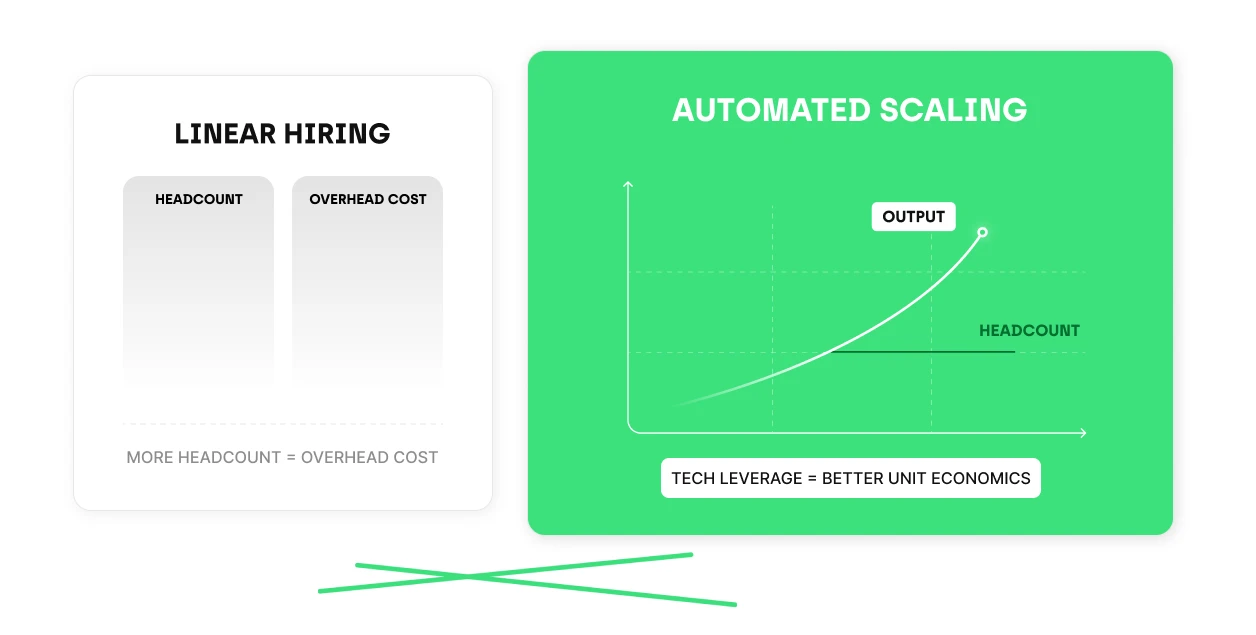
- Linear Hiring: Adding headcount increases overhead, but the unit economics fail because production costs still scale linearly with output.
- Tool Limitations: Photoshop and Figma are built for ideation, not for producing 50 variations of a single concept. Manual exports lead to human error, like "fat-fingering" a hex code in version 23.
- Template Fatigue: Basic tools often result in "cookie-cutter" designs or rigid templates that still require manual adjustments for every variation.
Creative Automation: How Hunch Solves Creative Scaling
Most automation tools promise speed but strip away brand control. Hunch offers a different path by separating creative strategy from mechanical execution.
1. Automation That Maintains Brand Control
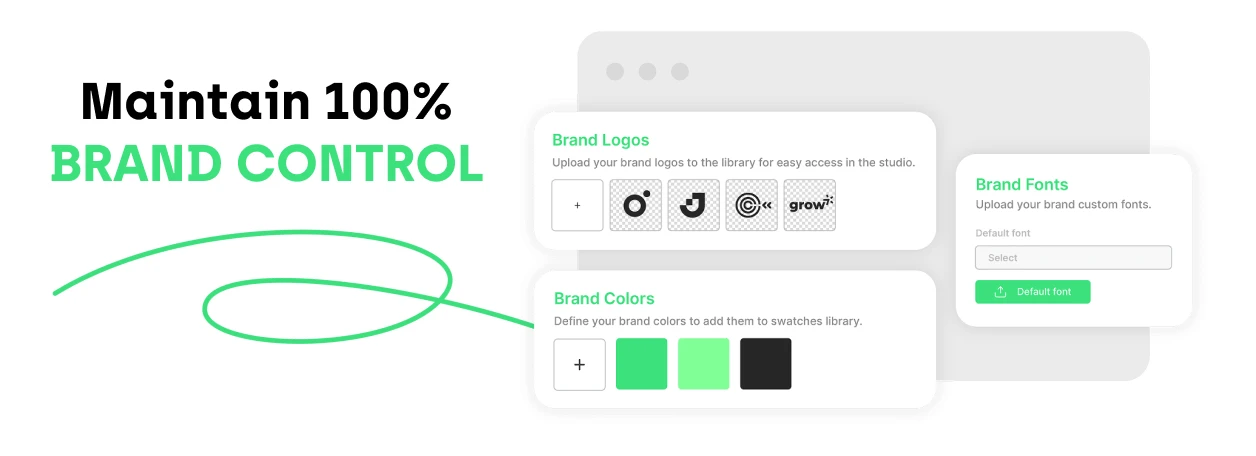
The biggest fear agencies have regarding automation is losing clients’ brand integrity. With Hunch, your team builds the concept once with all brand elements (fonts, spacing, and layer effects) locked in. The system then handles the mechanical work of swapping headlines or backgrounds. The creative integrity remains untouched; only the variables change.
2. Speed Without Sacrificing Strategy
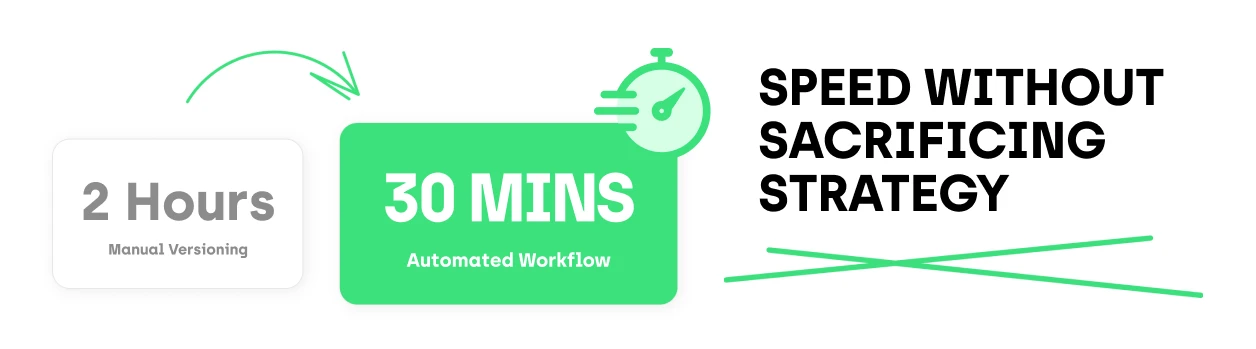
Eliminate repetitive tasks and cut a two-hour versioning job down to 30 minutes. By automating background removal with AI, aspect ratio resizing and headline swaps, you free your designers to concentrate on high-value work, such as concept development and strategic positioning.
3. The Feed Control Layer
Hunch uses a "spreadsheet-to-creative" logic to manage thousands of assets.
- Data-Driven: A Google Sheet defines variables (Headline, Background Color, CTA).
- Batch Production: Each row represents a unique asset. Fill 50 rows, and you’ve defined 50 platform-ready assets.
- Direct Export: Unlike tools that require manual trafficking, Hunch can push creatives directly to Meta, Snap, or TikTok.
How to automate your workflows step by step
How to automate your workflows step by step
The smartest agencies don’t automate everything overnight.
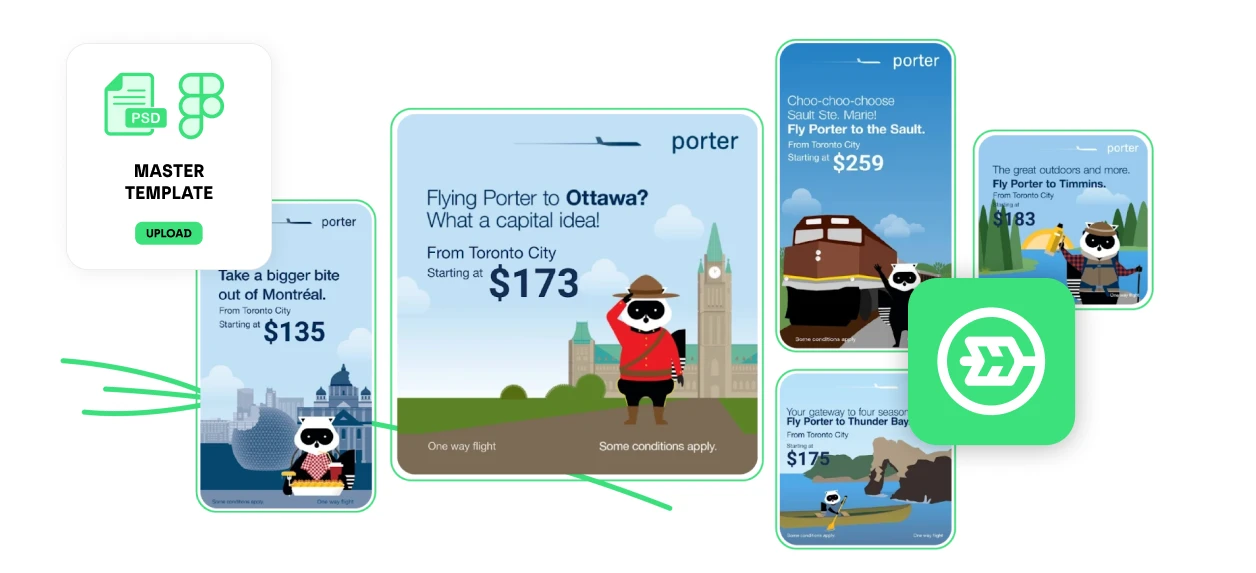
- Start with Statics: Import your Figma or Photoshop files into Hunch. Pick one high-volume client and turn their concept into a dynamic template.
- Expand to Video: With Hunch, you can automatically convert your product ads into high-impact videos. Furthermore, automate specific video components—like 5-second opening hooks or end-card CTAs—rather than full rewrites.
- Automate Always-On Campaigns: Identify the repetitive tasks currently draining your team’s hours. Eliminate frequent manual updates using Hunch’s automated plans, and scale multiple markets without draining your team.
The Bottom Line:
If your team is maxed out, you haven’t run out of talent; you’ve simply outgrown a workflow that wasn’t built for 2026. In an era where AI-driven market demands are shifting daily, clinging to manual production is a competitive liability. Equipping your creative team with automation transforms their output from a structural bottleneck into a scalable advantage, ensuring your agency stays ahead of the volume curve without burning out its best people. Let’s talk.
